
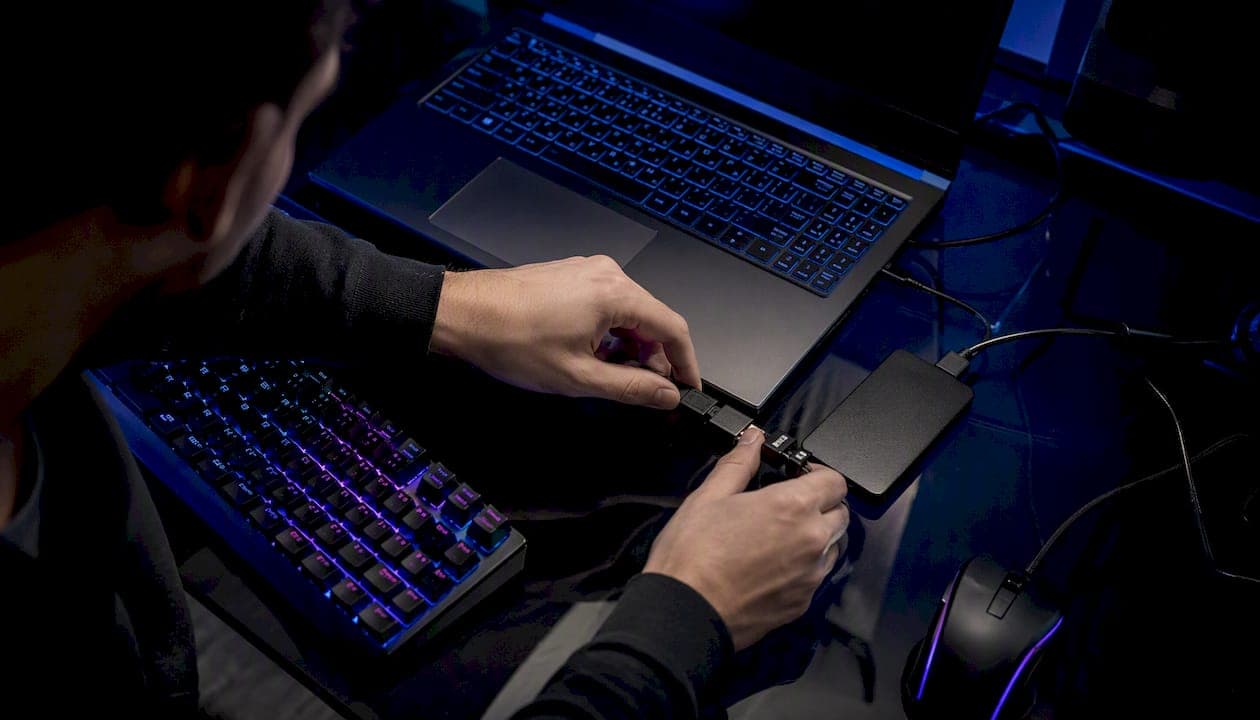
A Valorant HWID ban blocks your physical PC, not just your Riot account. Reinstalling Windows won't fix it. A new account won't fix it. Your options are limited to three: appeal to Riot Support, wait out the temporary window, or change the firmware-bound hardware Vanguard reads.
Here's the priority order:
- Confirm it's actually a HWID ban before doing anything else (details below).
- File a Riot Support ticket through the Valorant support request form if you believe it's a false positive.
- Check the timeline — most first-time HWID bans clear in roughly 90 to 120 days, per community-tracked cases.
- Avoid spoofer shortcuts until you understand the risk profile.
- Diagnose the ban type.
- Submit an appeal with evidence.
- Decide whether to wait, replace hardware, or accept the loss.
Pro Tip: Screenshot the exact client error message the moment it appears. Riot Support moves faster when your ticket includes a specific code instead of "my game won't launch."
Community trackers report that many hardware bans resolve within a 90 to 120 day window, though severe or repeat cases stretch longer — sometimes close to a year.
Key Takeaways
A Valorant HWID ban blocks the physical machine through firmware-level identifiers, meaning the fastest legitimate paths back are appeal, wait, or genuine hardware replacement.
| Point | Details |
|---|---|
| Confirm the ban type first | Run the new-account test on the same PC before assuming it's hardware-level. |
| File the appeal early | Submit through the Valorant support form with your Riot ID, error code, and evidence. |
| Expect 90 to 120 days for minor cases | Repeat or severe violations can run longer, sometimes close to a year. |
| Skip the reinstall and new-account tricks | Firmware-resident identifiers persist through both, so neither resolves a true HWID ban. |
| Weigh spoofer risk carefully | Untrusted tools risk malware and can escalate a temporary ban into a permanent one. |
Primary Sources and Further Reading
- Understanding Hardware ID (HWID) Bans — official Riot Support explainer on HWID ban policy.
- Valorant penalties and bans FAQ — official Riot Support FAQ on ban types and appeals.
- Valorant support request form — official ticket submission channel.
- VAN 152 in Valorant: the hardware ban explained — community technical breakdown of Vanguard's fingerprinting.
- VALORANT HWID Ban Fix: Bypass & Recovery Guide — community guide on durations and hardware options.
- Valorant Ban Appeal Guide + Free Template — third-party appeal template and wording guidance.
Table of Contents
- What Is a Valorant HWID Ban?
- How Does Vanguard Enforce a Hardware Ban?
- How Can You Tell If Your PC Is HWID-Banned?
- What Happens If Someone Else Uses the Banned PC?
- How Long Does a HWID Ban Last?
- Can You Bypass a Valorant HWID Ban?
- How Do You Appeal a Valorant HWID Ban?
- Should You Appeal, Wait, or Replace Hardware?
- Sources
What Is a Valorant HWID Ban?
An HWID ban is a device-level penalty. It targets the physical machine, not the login credentials. That distinction separates it from an account ban (which locks one Riot ID but leaves the PC untouched) and an IP ban (which blocks a network address that changes the moment you switch Wi-Fi or use a VPN).
Riot's own support documentation on HWID bans confirms the penalty ties to hardware identifiers stored in firmware, not to any single account or IP. Vanguard, Valorant's kernel-level anti-cheat, records values baked into your motherboard and storage components. Riot doesn't publish the full identifier list, but community analysis points to SMBIOS UUIDs, motherboard serial numbers, drive serials, and TPM data as the core inputs.
Riot frames HWID bans as a last-resort enforcement action, reserved for confirmed cheating or repeated violations rather than a first response to suspicious behavior.
That framing matters for how you approach an appeal. Riot isn't handing these out casually, which means the burden of proof in a dispute leans on you providing clear, specific evidence.
| Ban Type | What's Blocked | Bypassed By New Account? |
|---|---|---|
| HWID ban | The physical device | No |
| Account ban | The specific Riot ID | Not on same login |
| IP ban | The network address | Yes, with new IP |
How Does Vanguard Enforce a Hardware Ban?
Vanguard runs at the kernel level, which gives it visibility into firmware-resident identifiers that ordinary software can't touch. That's the whole reason HWID bans stick where account bans don't. According to technical breakdowns of the VAN 152 error, Vanguard fingerprints a machine using values like the SMBIOS UUID, motherboard serial number, storage drive serials, TPM data, and in some cases MAC address information.
These values live in firmware, not on your Windows installation. That's why the two most common "fixes" players attempt fail almost every time:
- Reinstalling Windows leaves the motherboard, storage serials, and TPM data untouched.
- Creating a new Riot account changes your login but not the machine reporting to Vanguard.
- Clearing browser data or resetting network settings does nothing to firmware-level identifiers.
- Using a different Windows user profile on the same PC still reports the same hardware fingerprint.
If you've hit this wall, the error code you're probably staring at is VAN 152, Valorant's client-side signal for a hardware restriction. It reads differently from a standard account suspension message. Account bans typically show a suspension notice tied to login credentials with a specific end date. VAN 152 and related hardware restriction messages appear regardless of which account you use to log in, which is the tell that separates the two.
How Can You Tell If Your PC Is HWID-Banned?
Run this test before assuming the worst or chasing a fix you don't need.
- Create a fresh Riot account, entirely separate from your banned one, using a different email.
- Attempt to launch and play Valorant on the same physical PC.
- Watch for an instant restriction or VAN 152 message immediately on launch, before you've even reached a match.
- If the fresh account gets blocked the same way, the ban is on your hardware, not your original account.
- If the fresh account plays normally, your original issue is likely account-specific, not a HWID ban.
Community write-ups on diagnosing hardware bans describe this new-account test as the fastest way to isolate the problem without spending money or time on the wrong fix.
You can also run basic hardware identifier checks from Command Prompt using wmic csproduct get UUID or getmac to view the values Windows exposes. These won't show you exactly what Vanguard stores, but they confirm your identifiers are stable and firmware-tied, which explains why they persist through reinstalls.

Pro Tip: Don't waste time testing inside a virtual machine to "check" your ban status. Vanguard often refuses to run in VM environments at all, so a failure there tells you nothing about your actual hardware ban status.
What Happens If Someone Else Uses the Banned PC?
The ban follows the device fingerprint, not the person sitting at the keyboard. That has real consequences for shared computers.
- Any Riot account logging into Valorant from that same machine will hit the same restriction, including a sibling's account, a roommate's account, or a brand-new signup.
- A completely different physical PC, with its own motherboard, storage, and firmware identifiers, is unaffected by another machine's ban.
- Swapping every firmware-bound component (motherboard, primary drive, and in some cases network hardware) can change the fingerprint, but partial swaps usually don't.
- Lending your banned PC to a friend so they can play Valorant will get their account restricted too, so it's worth telling them before they try.
How Long Does a HWID Ban Last?
Most first-time HWID bans function as temporary, not permanent, penalties. Community-tracked cases suggest a common window of roughly 90 to 120 days for typical violations, though Riot doesn't publish a fixed universal timeline.
| Case Type | Typical Duration | Notes |
|---|---|---|
| First-time, minor violation | ~90 to 120 days | Most common reported window |
| Repeat or severe violation | Longer duration | Escalation is common |
| Confirmed serious cheating | Often permanent | Appeal odds drop sharply |
- Riot's own guidance treats HWID bans as a step reserved for confirmed or repeated violations, which is part of why some cases stretch well past the typical window.
- If your ban has already run past a year with no communication from Riot, treat it as functionally permanent and plan around hardware or account alternatives rather than waiting further.
- Appeals submitted early in the ban window are still worth filing if you believe it's a mistake. Waiting doesn't strengthen your case.
Can You Bypass a Valorant HWID Ban?
Some players try. Few succeed cleanly, and the ones who do often trade a temporary ban for a permanent one.
Here's what people attempt, and what it actually changes versus what Vanguard reads:
- Kernel-level spoofers attempt to feed Vanguard falsified firmware identifiers. Some work short-term. Modern anti-cheat updates increasingly catch them.
- User-mode ID changers modify values visible to regular Windows tools but leave the firmware-resident data Vanguard actually reads untouched. Largely ineffective.
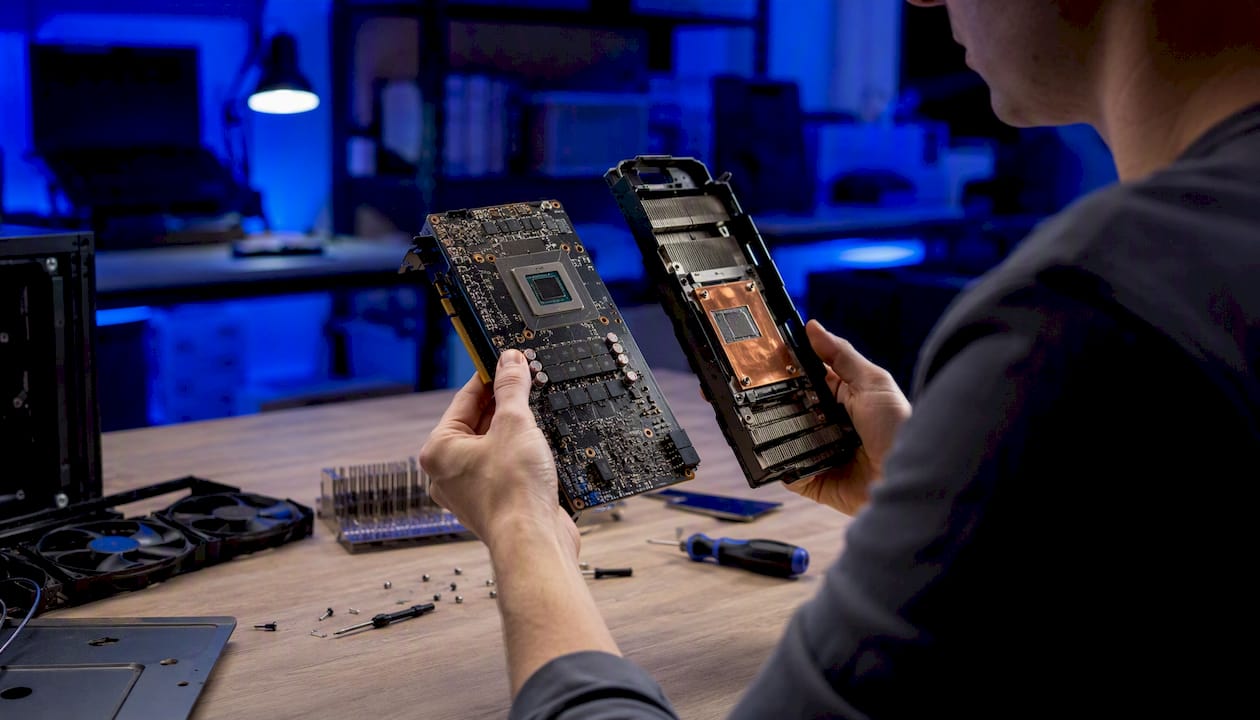
- Physical hardware replacement (new motherboard, new primary drive) genuinely changes the fingerprint, because it changes the firmware sources Vanguard queries. It's also expensive for what might be a 90-day ban.
- Virtual machines sometimes evade detection temporarily, but Vanguard frequently blocks VM environments outright, and reliance on this route is unstable.
- VPNs address IP-level blocks only. They do nothing against a hardware fingerprint.
Untrusted spoofing tools carry a real malware risk, and detection escalation means a temporary HWID ban can turn into a permanent one if Vanguard flags the circumvention attempt itself.
This isn't a how-to. The realistic outcome for most bypass attempts is one of three: it doesn't work, it works briefly before detection catches up, or it works and you've installed unknown software with kernel-level access on your machine. None of those outcomes is a fix. If you're weighing hardware options, understanding how kernel anti-cheat systems like Vanguard actually operate helps you separate real fixes from wishful thinking.
Pro Tip: If you're seriously considering a spoofer route, treat it as a hardware-replacement decision, not a software trick. A spoofer that actually holds up long-term behaves more like new hardware than a quick patch.
How Do You Appeal a Valorant HWID Ban?
If you genuinely believe the ban is a false positive, Riot's appeal channel is your only real path back.
- Go to the Valorant support request form and select the ban dispute category.
- Reference Riot's penalties and bans FAQ to confirm you're using the correct ticket type before submitting.
- Include your Riot ID, the approximate date and time you noticed the restriction, and the exact error code (VAN 152 or otherwise).
- Attach evidence: screenshots of the client message, any relevant match history, and a clear, factual explanation of why you believe it's a mistake.
- Submit through the official ticket portal rather than a third-party form or forum post.
What to include and what to avoid:
- Be factual and concise. Vague appeals get vague responses.
- Avoid self-incriminating language. Don't speculate about "maybe a friend used my PC" if you don't know that for certain.
- Don't threaten or demand. Support agents review these manually, and tone matters.
- A structured template, like the one in the Valorant ban appeal guide, keeps your submission organized and easier to review quickly.
Response times vary, but most appeals receive a reply within several business days to a couple of weeks, based on Riot's own support guidance. A denied appeal doesn't always mean a permanent ban. It sometimes just means the evidence wasn't sufficient for that review cycle.
Should You Appeal, Wait, or Replace Hardware?
Here's the honest breakdown. If you're confident the ban was a mistake, an appeal costs you nothing but time, so file it immediately and don't wait for the ban window to pass first. If you know exactly why you got flagged and it wasn't a mistake, an appeal probably won't work, and your realistic choices come down to waiting out the window or accepting the loss.
Hardware replacement only makes sense in narrow situations: you were already planning an upgrade, the ban is confirmed long-term or permanent, and you're not gambling money on a fix for what might be a 90-day inconvenience. Spoofers sit in a riskier middle ground. They can work, but the failure mode is worse than doing nothing, since a detected spoofer attempt tends to escalate rather than resolve the original problem.
Norium doesn't sell shortcuts around anti-cheat enforcement, and this isn't the place for that pitch. What's worth knowing is that players evaluating the hardware route often want to understand detection behavior before spending money, and resources like the live cheat detection status page and the HWID spoofer service page exist for exactly that kind of research, not as a promise that any option is risk-free.
Sources
- Understanding Hardware ID (HWID) Bans - Riot Support
- VAN 152 in Valorant: the hardware ban explained | HWIDChanger
- VALORANT HWID Ban Fix: Bypass & Recovery Guide
- Valorant Ban Appeal Guide + Free Template (2026)
- Valorant support request form - Riot Games Support